Introduction to ConvertFlow
What is ConvertFlow?
ConvertFlow is the all-in-one platform for conversion. Create, personalize and launch forms, popups, surveys and landing pages – no code required.
How do I connect ConvertFlow to Studio?
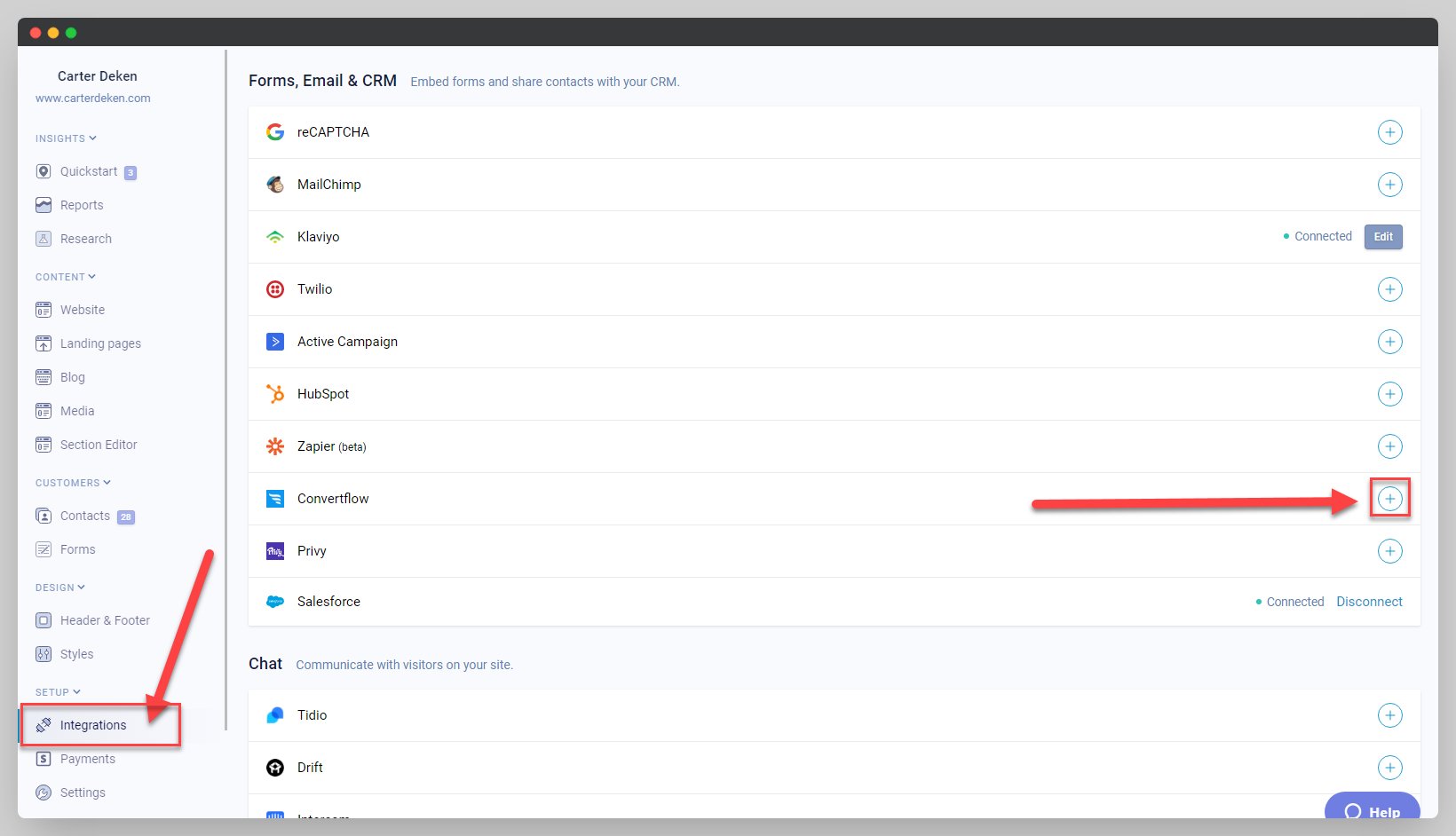
- Head to your "Integrations tab" in your Studio main menu, and click on the Plus sign symbol next to ConvertFlow.
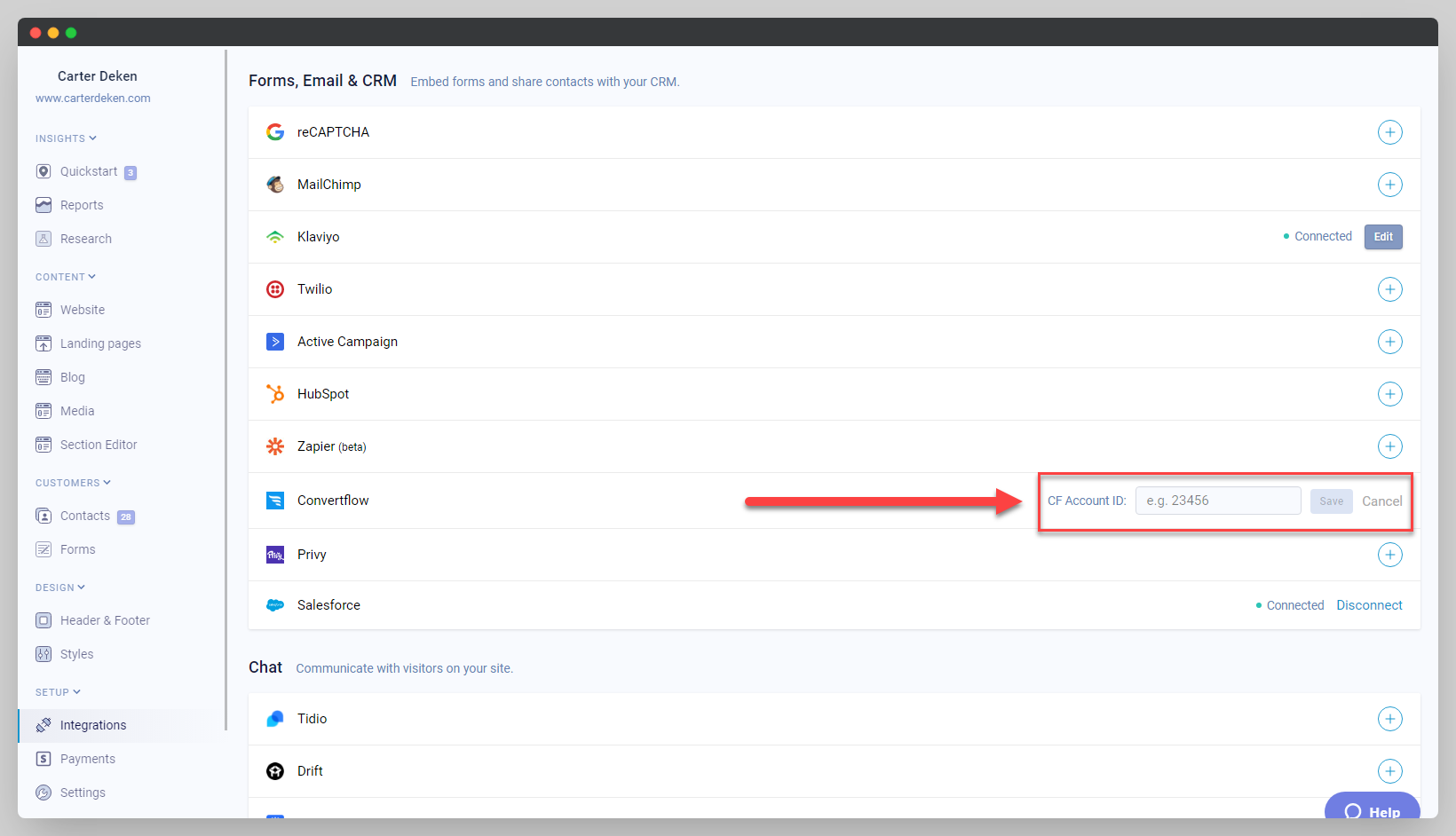
After clicking on the plus symbol, a text box will appear asking for your CF account ID.
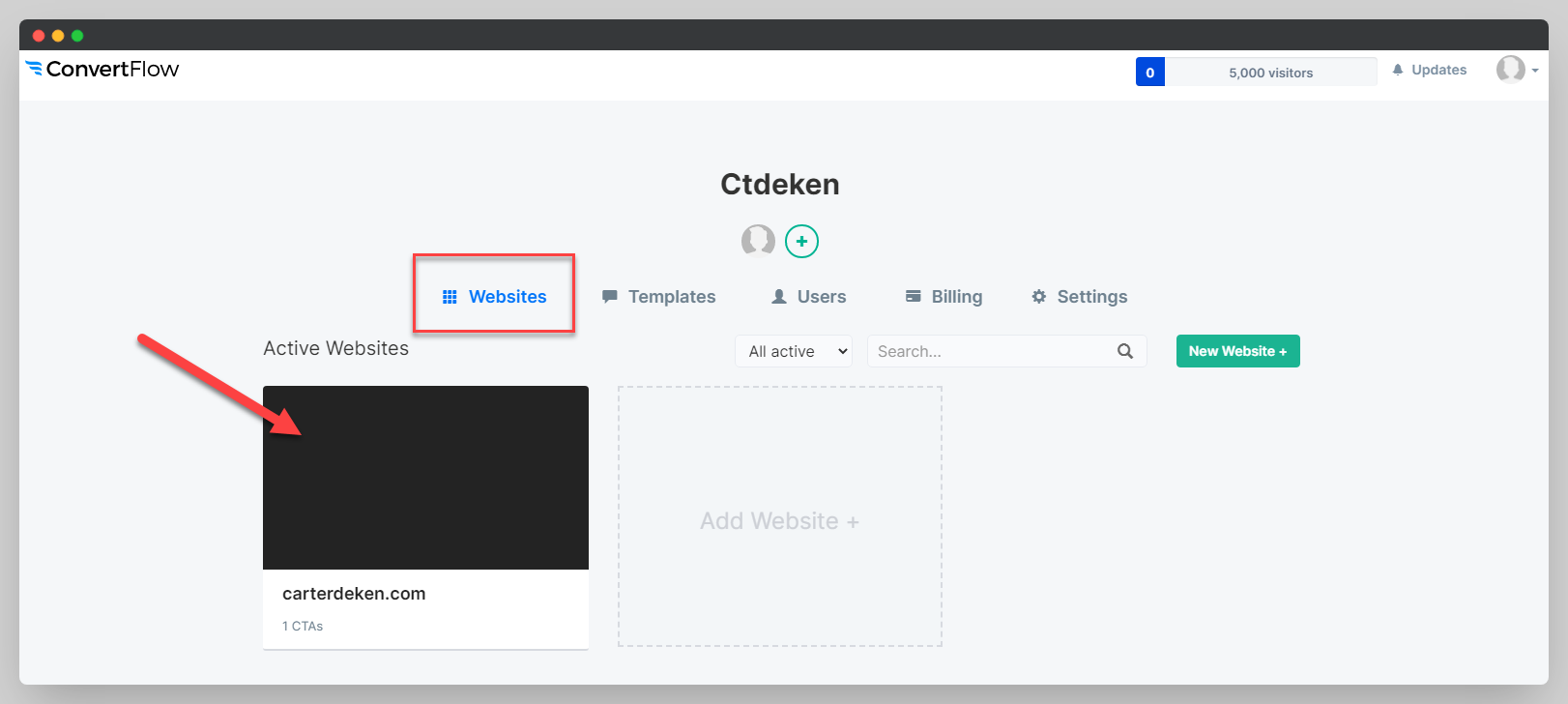
- Head to your ConvertFlow account, and click on one of your active websites (note: your active websites will only display if you have already created CTA's for them).
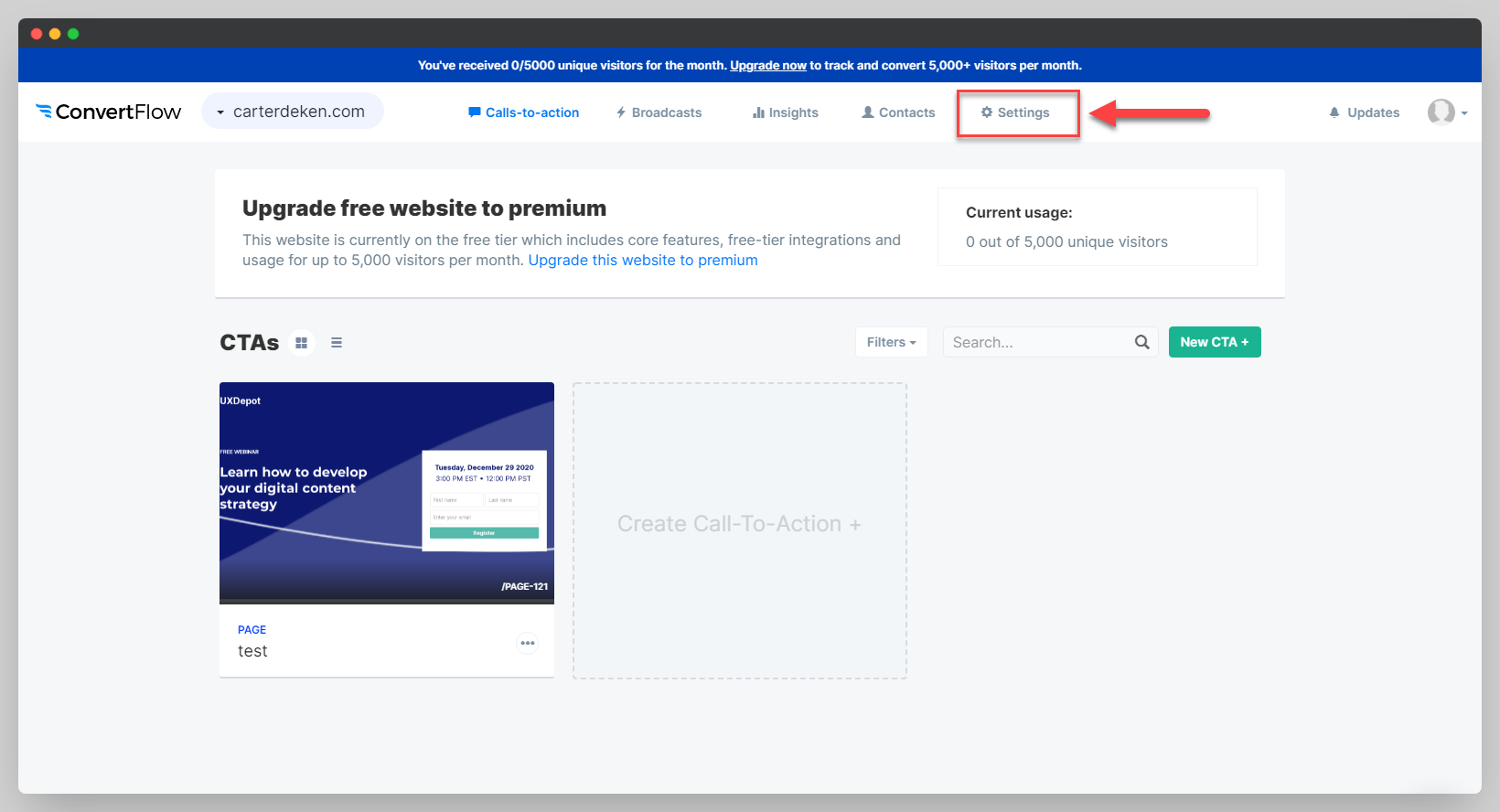
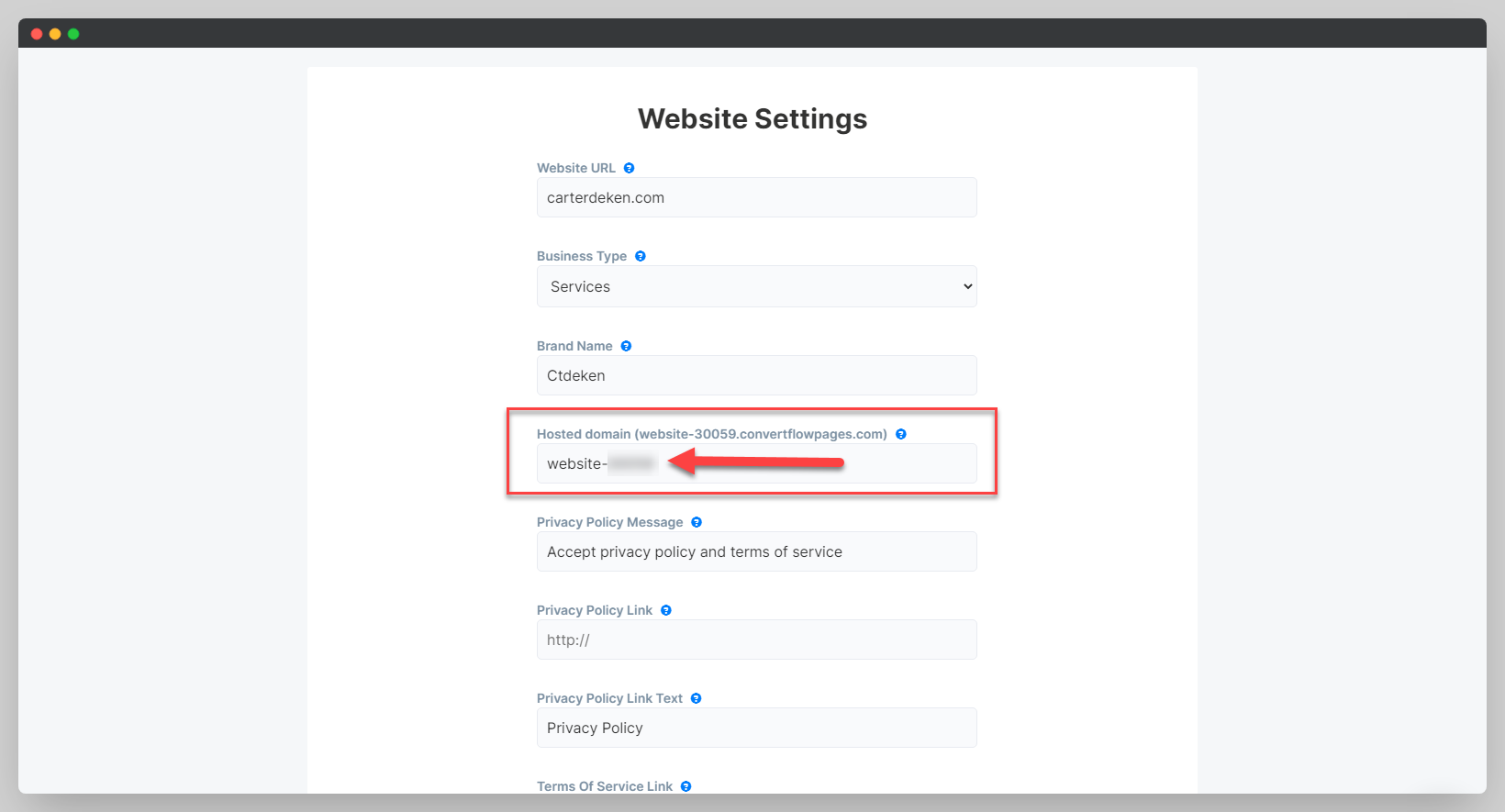
- In the top right of your ConvertFlow dashboard, click on Settings, a drop down box will pop-up, click "Website".
- Scroll down on the page until you see the box titled "Hosted domain", copy and paste the 5-digit code that is in the box back into Studio to successfully connect the integration.
Congratulations, you've now integrated ConvertFlow with Studio!